
Downloads
Paint your aircraft in Axolojet colors.
Liveries made by the team, ready for your simulator. Free for everyone.
From our fleet
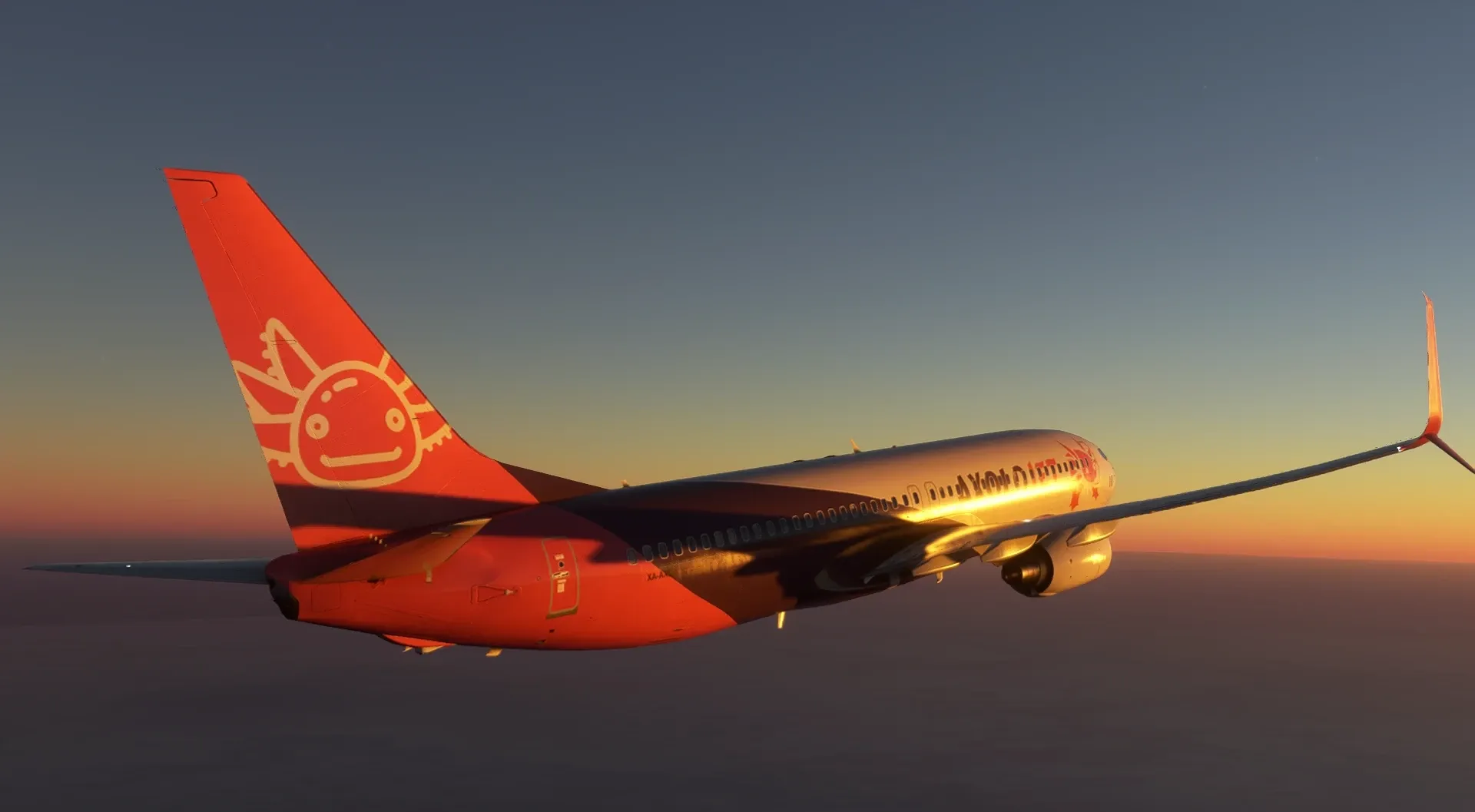
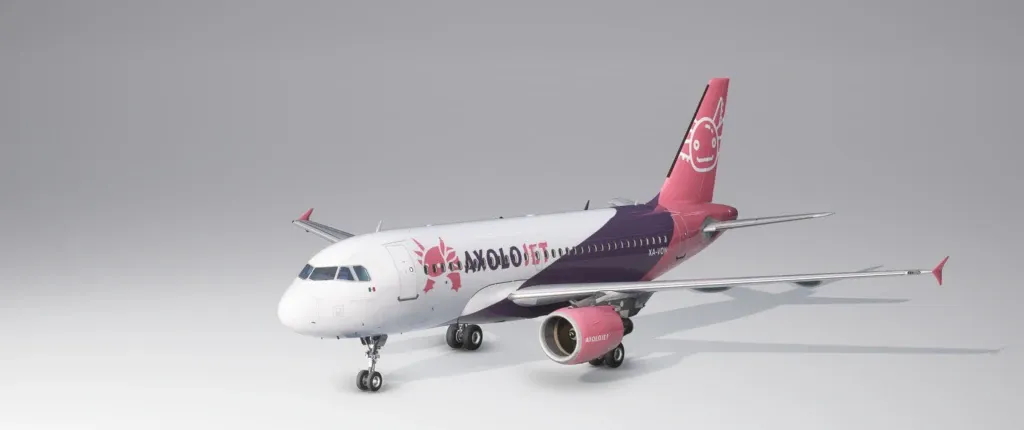
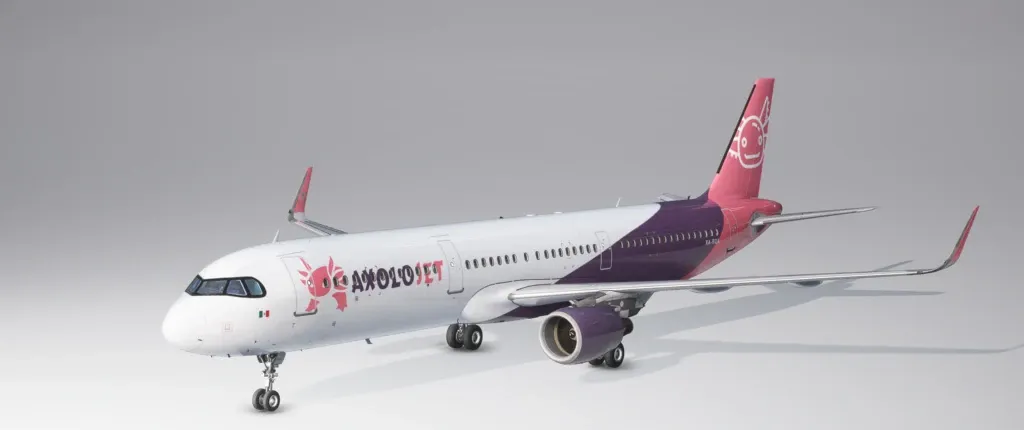
Airbus A321 XA-RQA
For the Fenix A321 CFM with sharklets in Microsoft Flight Simulator.
Download liveryAirbus A321 XA-RQA
For the Fenix A321 IAE with sharklets in Microsoft Flight Simulator.
Download livery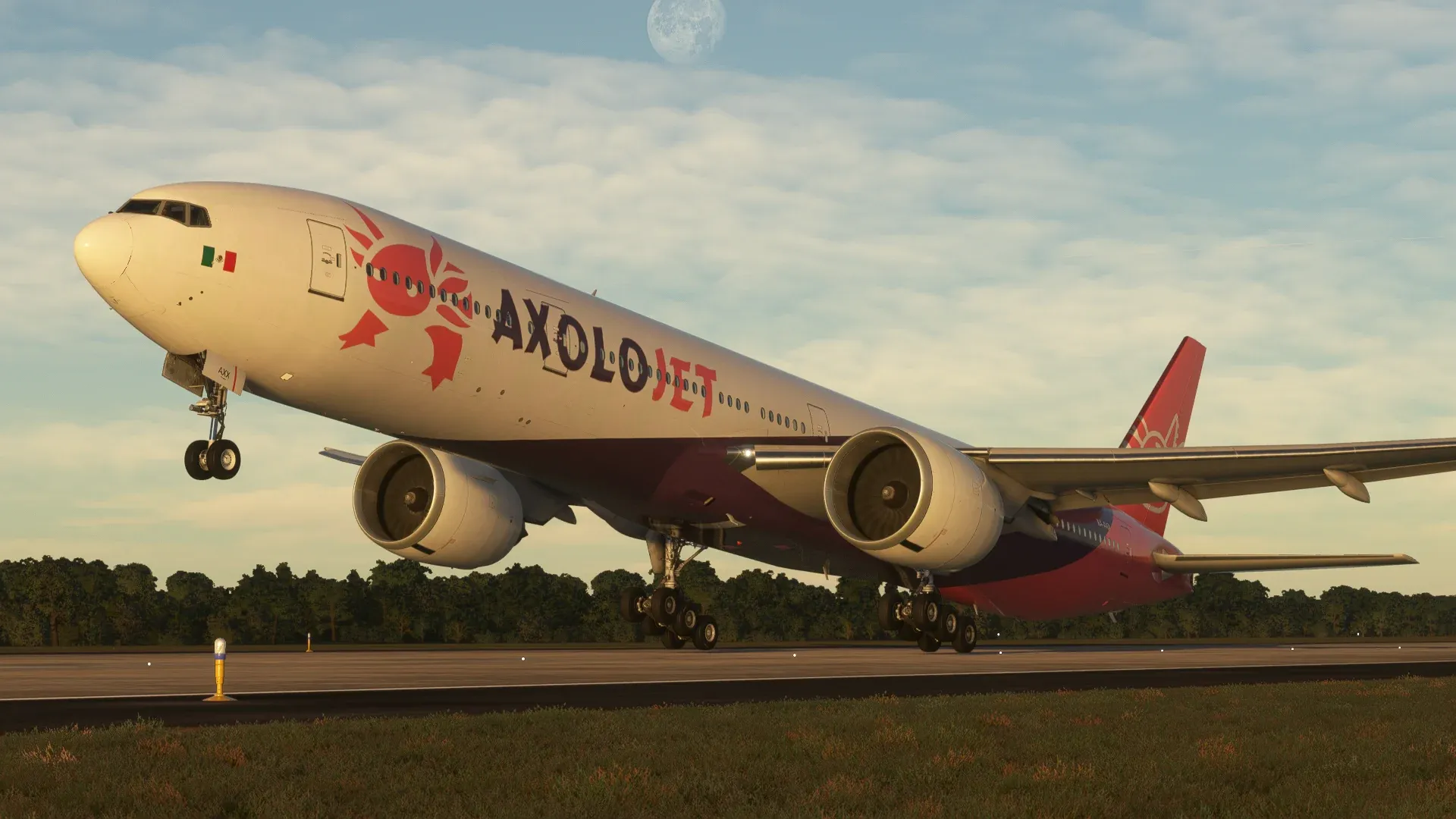
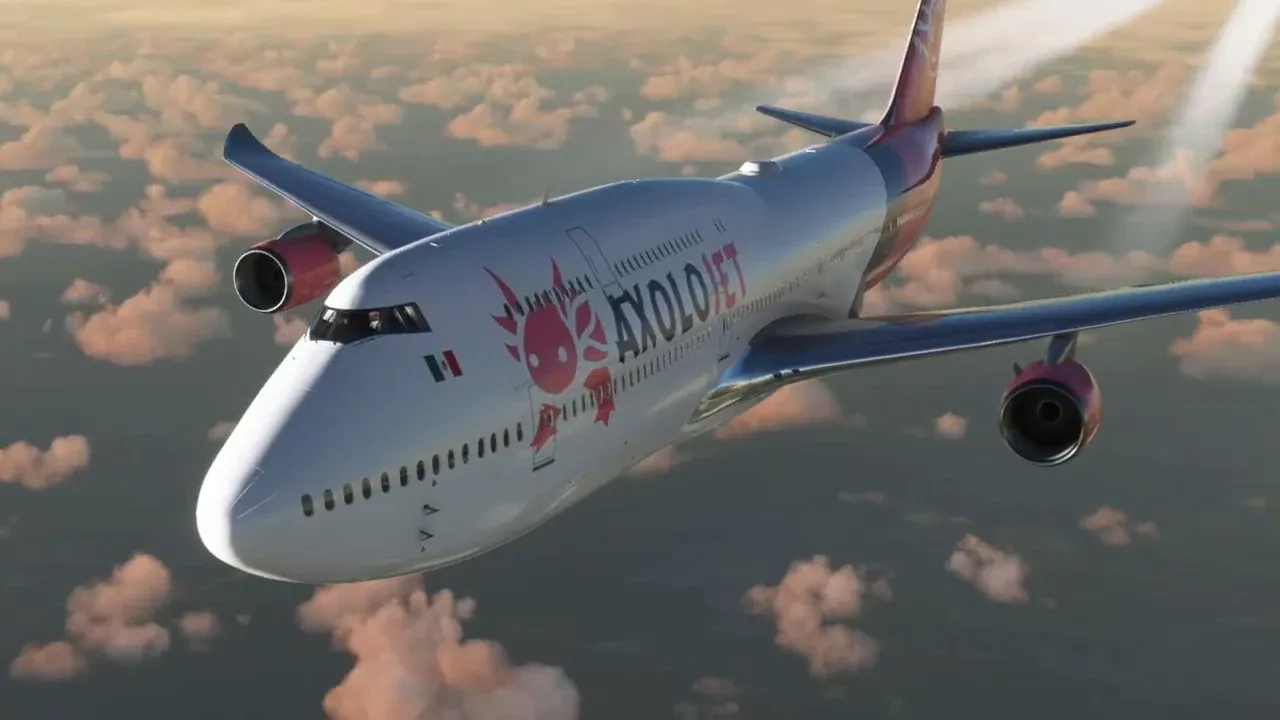
Boeing 747-8
For the Asobo Boeing 747-8 (included with the simulator) in Microsoft Flight Simulator.
Download livery
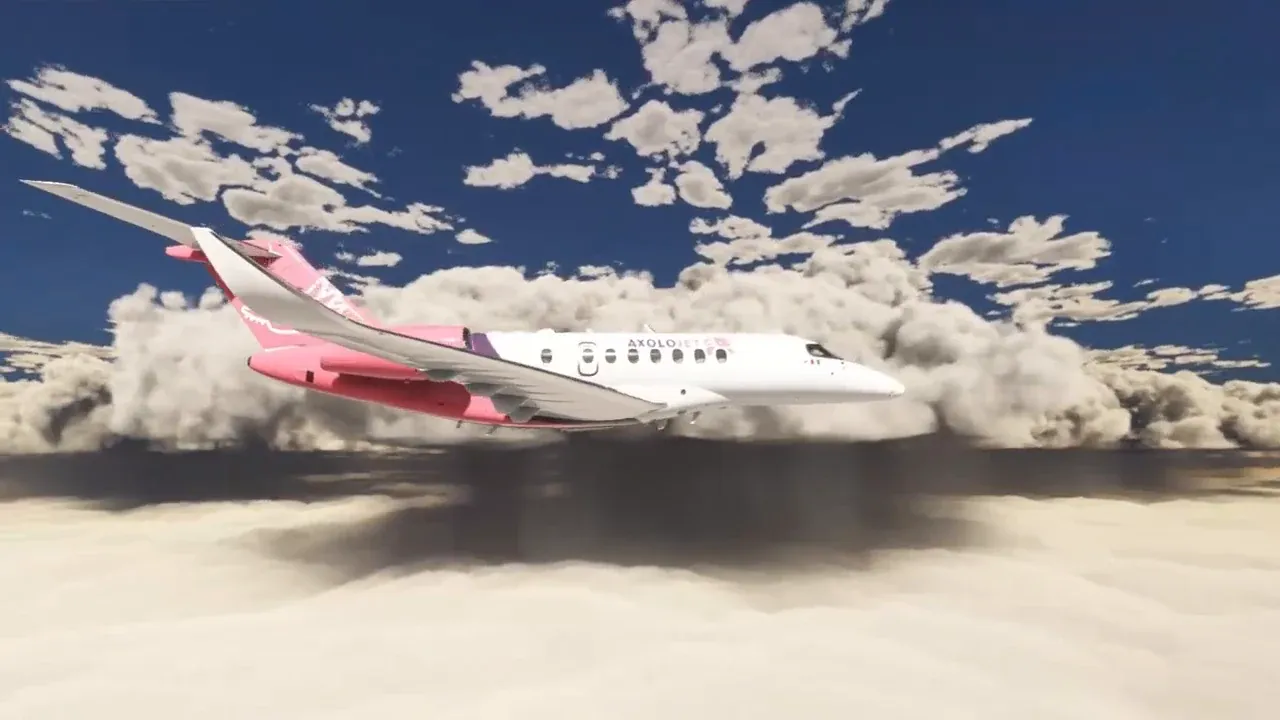
Cessna Citation Longitude XA-AXZ
For the Asobo Citation Longitude (included with the simulator) in Microsoft Flight Simulator.
Download livery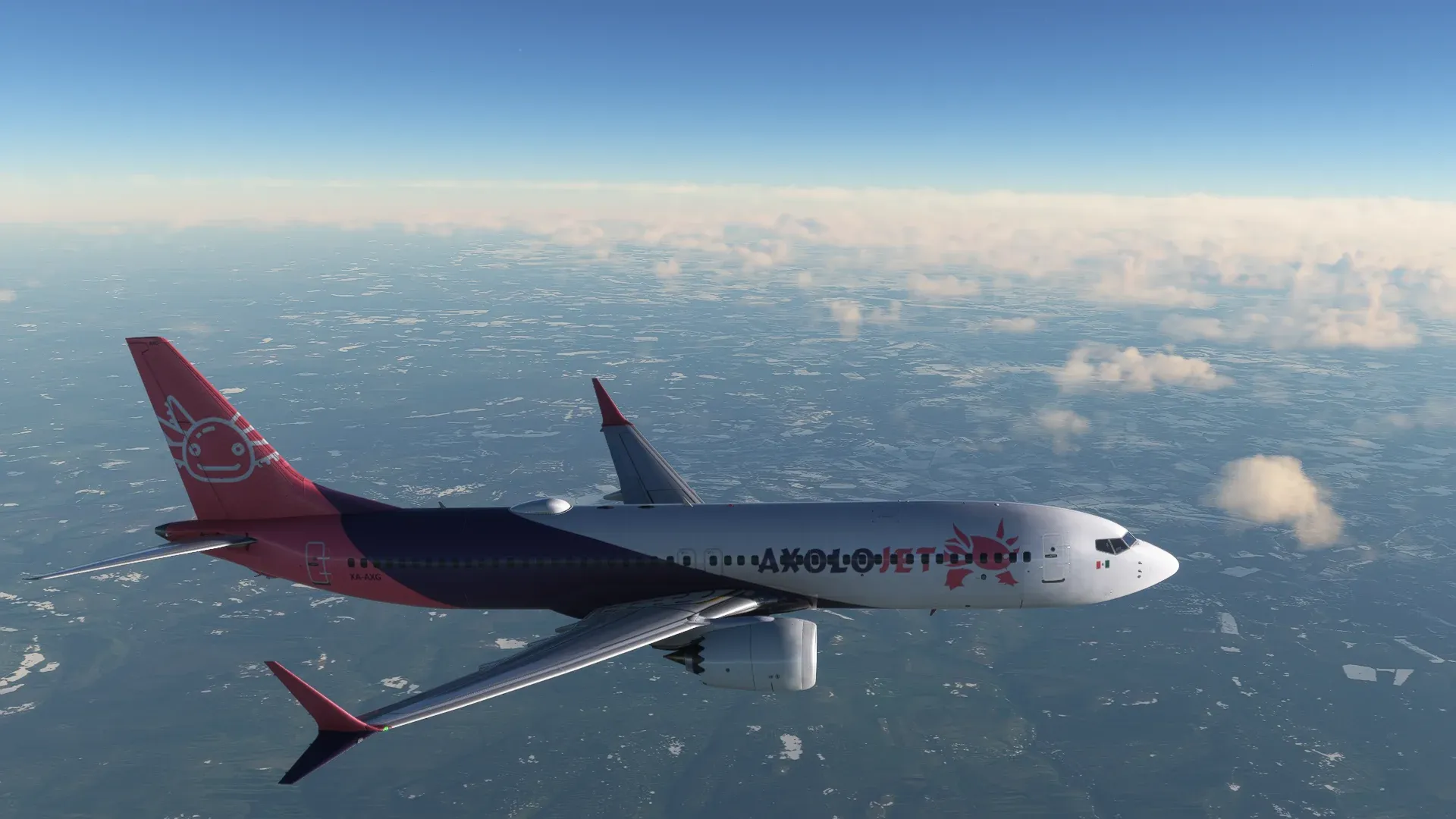
Boeing 737-800BCF Cargo
For the PMDG 737-800BCF (freighter) in Microsoft Flight Simulator.
Download livery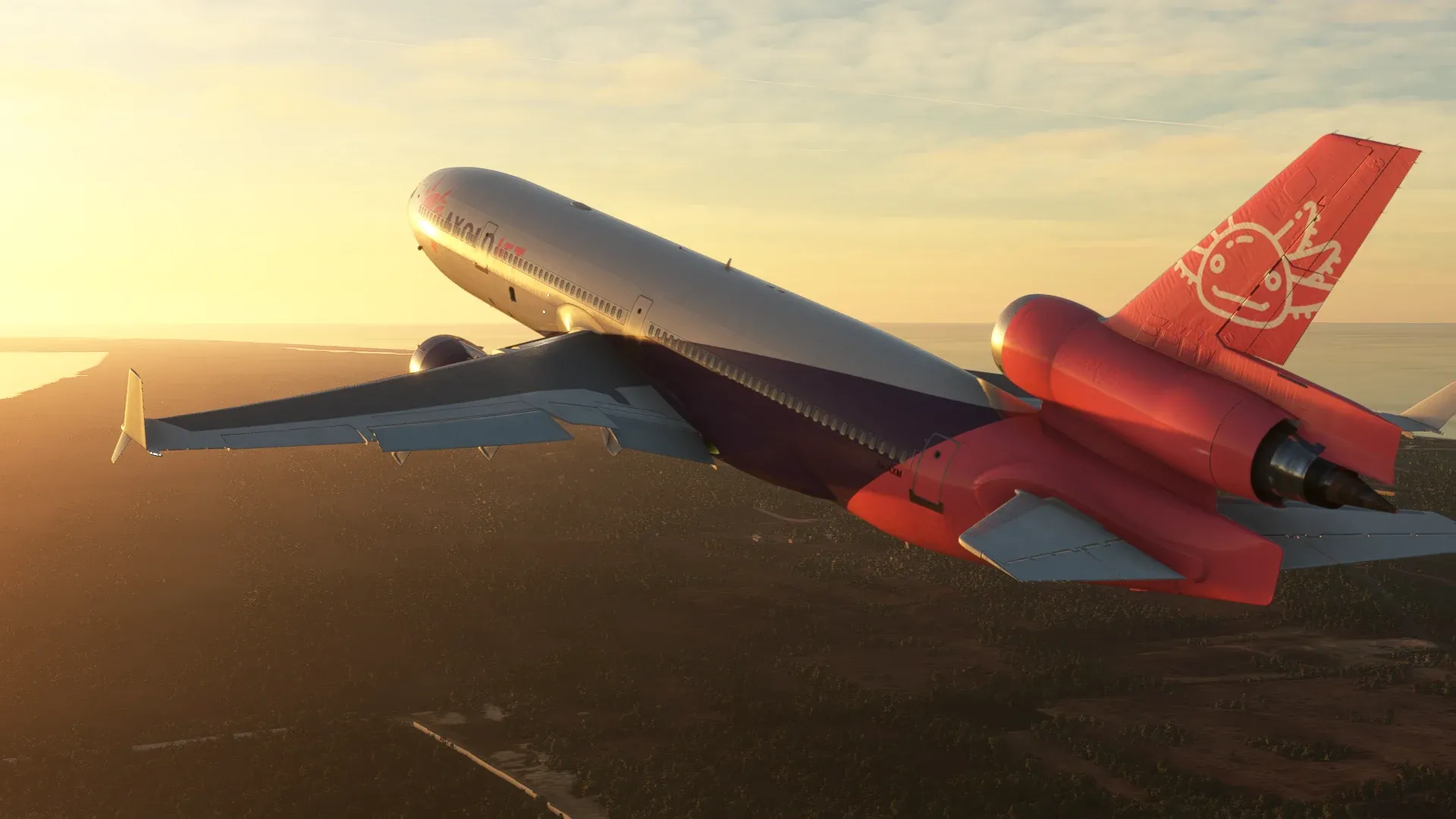
McDonnell Douglas MD-11 Clean
For the TFDi Design MD-11 GE (clean version) in Microsoft Flight Simulator.
Download liveryDaher TBM 930
For the Asobo TBM 930 (included with the simulator) in Microsoft Flight Simulator.
Download livery
How to install them
The livery only changes the paint: you need the matching aircraft installed.
.zip files (Fenix, iFly, TFDi, Maddog X and Asobo)
- Unzip the file.
- Copy the folder inside it to your simulator's
Communityfolder. - Start the simulator and pick the Axolojet livery when you select the aircraft.
.ptp files (PMDG)
- Don't unzip it.
- Open PMDG Operations Center and go to the aircraft (737 or 777).
- In the liveries section, choose to install a new livery and select the
.ptpfile.